Table of Contents
Introduction
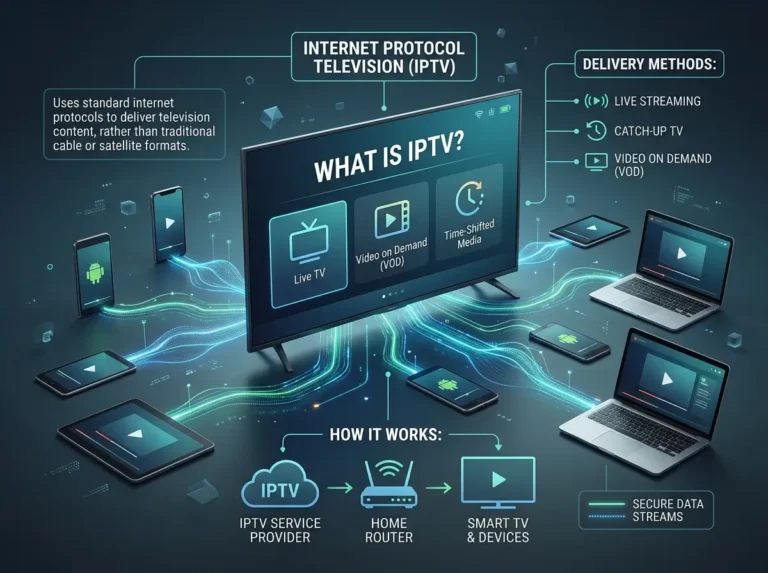
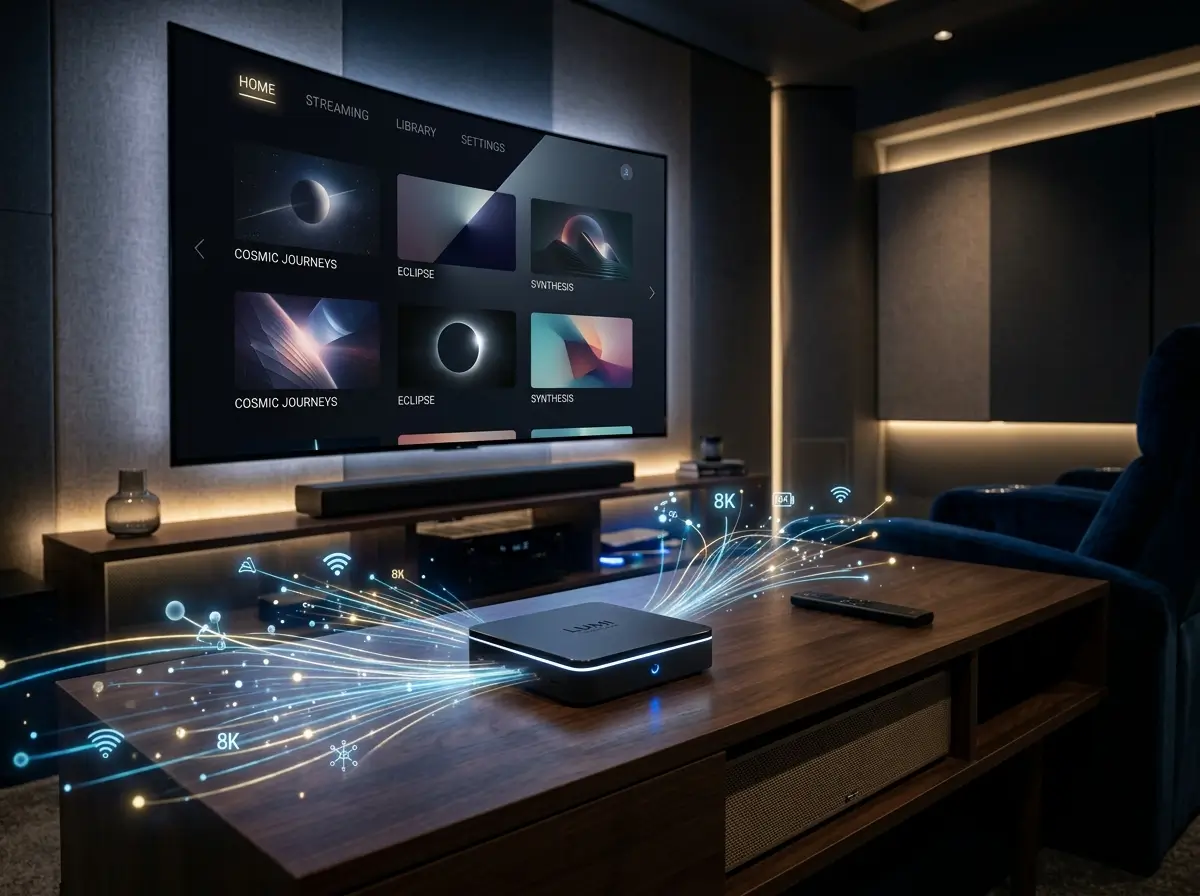
An IPTV box is the hardware foundation of a dedicated internet television setup — the device that sits between your broadband connection and your TV screen, handling the processing, app running, and stream decoding that makes IPTV work on any display. Whether you own a smart TV already or are working with an older screen, the right IPTV-box can deliver a polished, high-performance viewing experience that rivals anything a traditional broadcast setup can offer.
The IPTV box market in 2026 spans a wide range of options — from compact streaming sticks to full-featured Android TV boxes — at price points to suit every budget. Choosing the right one requires understanding what each device type offers, how it connects to your subscription, and which features matter most for your specific viewing setup.
This guide covers everything: what an IPTV-box is, why dedicated hardware makes a difference, the features worth prioritising, the device types available, and how to get set up and running as quickly as possible.
What Is an IPTV Box?
An IPTV box is a hardware device that connects to your television and your broadband network, enabling you to access IPTV services through a compatible app or media player. Rather than relying on a smart TV’s built-in operating system — which may be limited in processing power, app availability, or update support — a dedicated IPTV-box provides a standalone computing platform optimised for streaming performance.
At its core, an IPTV-box runs an operating system — most commonly Android TV or a proprietary variant — that supports the installation of IPTV player applications such as IPTV Smarters Pro, TiviMate, or a provider’s own dedicated app. Once connected to a subscription service, the IPTV-box decodes incoming stream data and outputs it to the connected television via HDMI.
An IPTV box is not a content provider. Like any IPTV player application, it is a neutral piece of hardware — the quality and legality of what you watch through an IPTV-box depends entirely on the subscription service you connect it to. Always use an IPTV-box with a provider that holds appropriate content licences and operates in compliance with applicable broadcasting regulations in your region.
Most IPTV-box devices connect to your home network via Wi-Fi or a wired ethernet port, with ethernet consistently delivering better stream stability for HD and 4K content. Connection to the television is via a standard HDMI cable, and most IPTV-box models include a remote control for navigation.
Why Use an IPTV Box Over Other Devices?
If you already own a smart TV, a smartphone, or a tablet, you might wonder why a dedicated IPTV box is worth considering. The answer lies in performance, flexibility, and longevity.
Processing power and stream stability. A dedicated IPTV-box is built specifically for streaming. Its processor, RAM, and software are optimised for decoding high-bitrate video streams — tasks that can strain the limited hardware inside older smart TVs or cause thermal throttling in mobile devices during extended viewing sessions. A quality IPTV-box handles HD and 4K streams without the performance compromises that affect multi-purpose devices.
Independence from smart TV limitations. Smart TV operating systems vary widely in quality, update frequency, and app availability. Many smart TVs stop receiving software updates within a few years of manufacture, leaving their app ecosystems frozen in time. An IPTV-box is entirely independent of the TV’s operating system — it brings its own platform, its own app store, and its own update cycle to any display it is connected to.
Future-proofing your setup. When an IPTV box becomes outdated, replacing it costs a fraction of replacing a television. A quality IPTV-box extends the useful life of any TV — including non-smart models — by years.
Portability. An IPTV-box travels easily. Take it to a second home, use it in a hotel room, or move it between televisions in the house — the full subscription experience follows the device rather than being tied to a specific screen.
Key Features to Look for in an IPTV Box
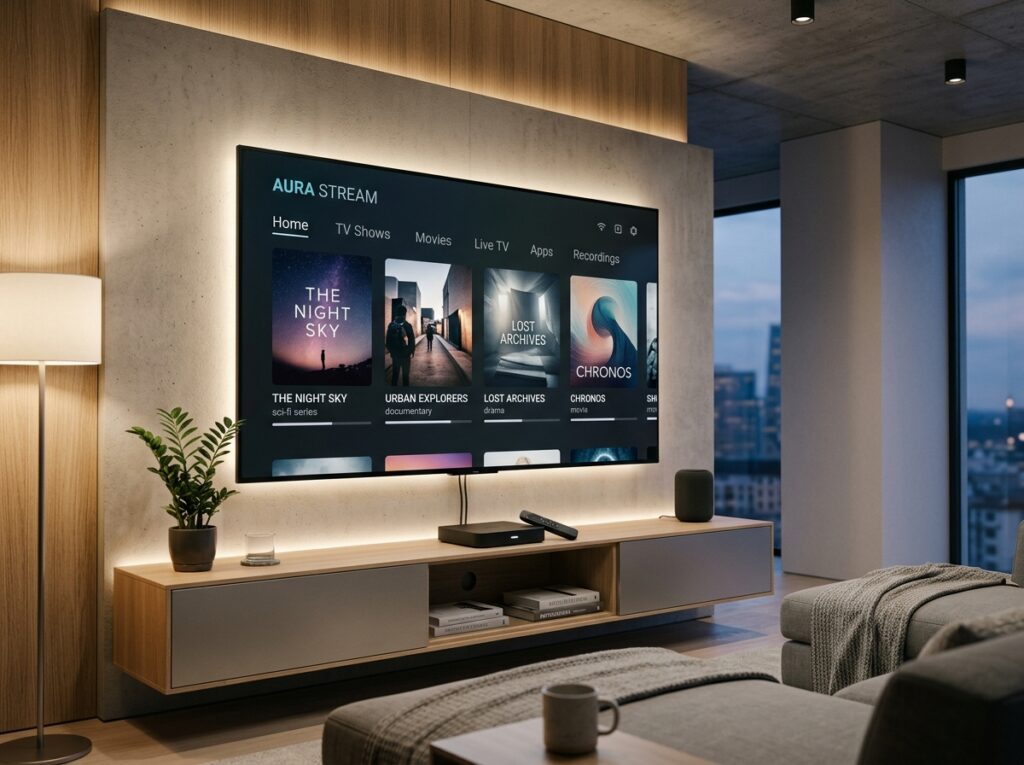
Not every IPTV box delivers the same experience. These are the features that define a genuinely strong device.
Processor and RAM. Stream decoding — particularly for HD and 4K content — is processor-intensive. A quality IPTV box should include a capable quad-core or higher processor and at least 2GB of RAM for smooth performance. Devices with 4GB of RAM offer noticeably better multitasking and app performance.
4K and HDR support. For households with a 4K television, an IPTV-box should support 4K output and ideally HDR (High Dynamic Range) for the best possible picture quality on supported content.
Storage capacity. An IPTV-box needs sufficient internal storage for the operating system, player apps, and cached content. A minimum of 16GB is recommended; 32GB provides more comfortable headroom for additional apps and updates.
Wired ethernet port. For the most stable IPTV-box streaming experience — particularly for 4K content and peak-hour viewing — a wired ethernet connection consistently outperforms Wi-Fi. An IPTV-box with a built-in ethernet port provides this option without requiring an adapter.
Wi-Fi standard. For households where a wired connection is not practical, an IPTV-box with dual-band Wi-Fi (2.4GHz and 5GHz) and support for Wi-Fi 5 or Wi-Fi 6 delivers the most stable wireless streaming performance.
Operating system and app support. Android TV is the most widely supported platform for IPTV-box devices, offering access to a broad app ecosystem including all major IPTV player applications. Confirm that your preferred player app is available on the IPTV-box platform before purchasing.
Remote control quality. A well-designed remote makes the day-to-day IPTV-box experience significantly more enjoyable — particularly for navigating programme guides and VOD libraries on a large screen. Voice control support is a useful bonus.
Types of IPTV Box Available in 2026
The IPTV box market covers several distinct device categories. Understanding each helps you match a device to your specific needs.
Android TV boxes. The most versatile IPTV box category — standalone devices running Android TV or Google TV that connect to any television via HDMI. Android TV boxes range from budget models suitable for standard HD viewing to premium devices with 4K HDR support, powerful processors, and 4GB of RAM. They offer the broadest app compatibility and the most flexibility for IPTV use.
Amazon Fire TV Stick and Fire TV Cube. Amazon’s streaming devices are among the most popular IPTV box alternatives on the market. The Fire TV Stick 4K and Fire TV Cube both support 4K streaming and run a version of Android that supports IPTV player apps via the Amazon Appstore. Compact, affordable, and well-supported, they represent an excellent IPTV-box choice for most households.
Nvidia Shield TV. A premium Android TV IPTV-box option for users who prioritise maximum performance. The Nvidia Shield TV delivers exceptional processing power, 4K HDR support, and outstanding stream stability — at a higher price point than most IPTV-box alternatives.
MAG boxes. A category of IPTV-box specifically designed for IPTV use, running a dedicated Linux-based operating system. MAG boxes are popular among technically experienced IPTV users but offer less app flexibility than Android TV alternatives.
Mini PC streaming boxes. Windows-based mini PCs can function as an IPTV-box when paired with appropriate player software. These offer maximum flexibility but require more technical configuration than dedicated streaming devices.
How to Set Up an IPTV Box
Getting an IPTV box up and running is a straightforward process for most devices. Here is a general setup walkthrough.
Step 1 — Connect the IPTV-box to your TV and network. Connect via HDMI to your television and either plug in an ethernet cable or connect to your Wi-Fi network through the device’s settings menu. A wired connection is recommended for the most stable IPTV-box performance.
Step 2 — Complete the device setup. Follow the on-screen setup wizard for your IPTV-box — this typically involves signing into a Google account (for Android TV devices), configuring Wi-Fi, and allowing any pending system updates to install.
Step 3 — Install your IPTV player app. Download your preferred IPTV player — such as IPTV Smarters Pro or TiviMate — from the device’s app store. For Fire TV devices, use the Amazon Appstore; for Android TV devices, use the Google Play Store.
Step 4 — Enter your subscription credentials. Launch the player app and enter your IPTV subscription credentials — either Xtream Codes API details or an M3U playlist URL — exactly as provided by your provider.
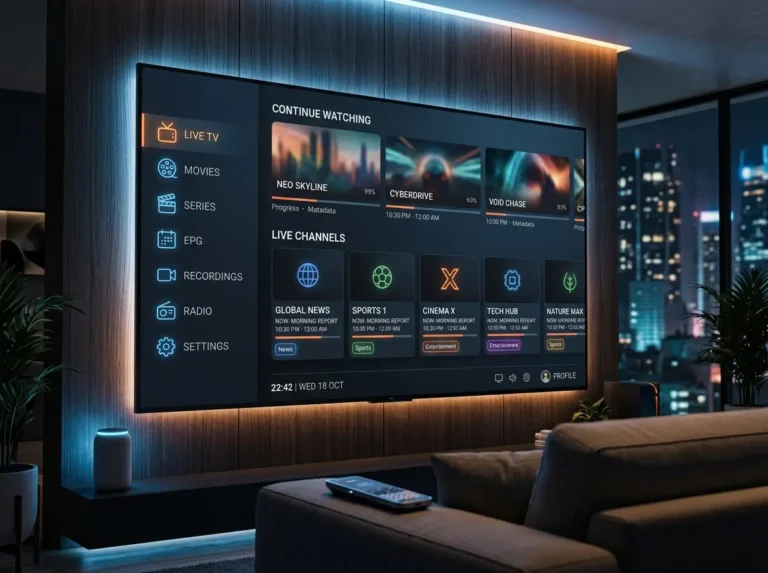
Step 5 — Allow content to load and start watching. Give the IPTV-box a few minutes to load your channel list and EPG data on first setup. Once loaded, your live channels, VOD library, and programme guide are ready to use.
Always use your IPTV box with a subscription provider that holds appropriate content licences and operates in compliance with applicable broadcasting regulations.
Choosing the Right IPTV Box for Your Household
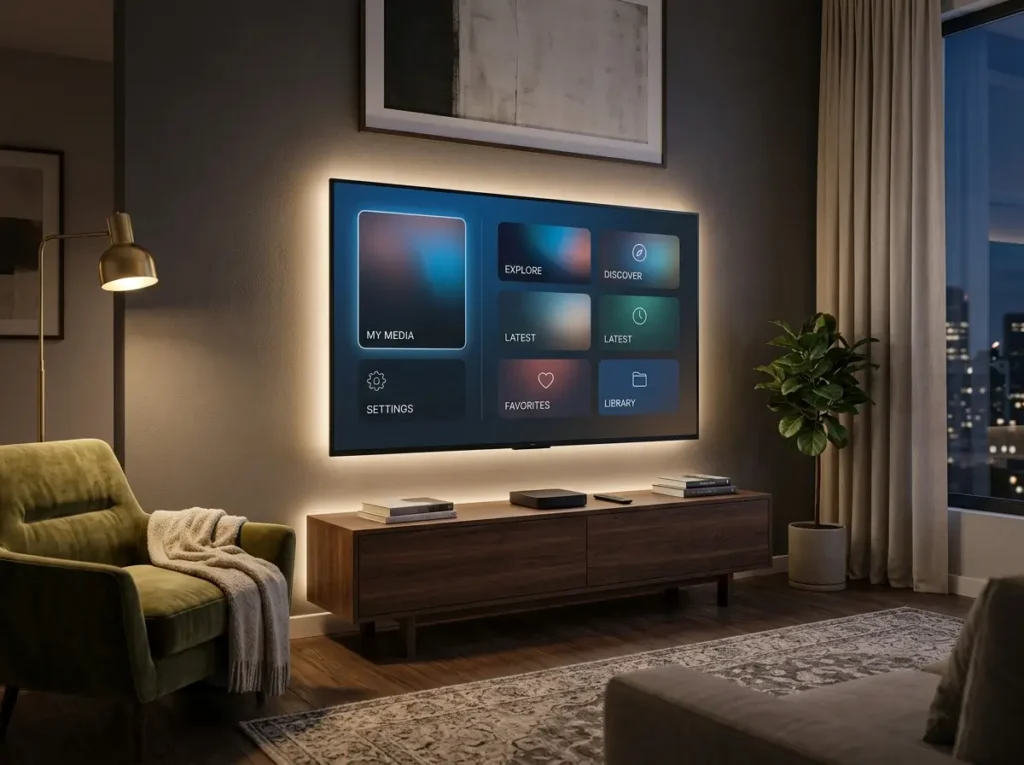
With a broad range of options available, these criteria will help you identify the most suitable IPTV box for your specific situation.
Match the device to your TV’s capabilities. If your television supports 4K, choose an IPTV box that outputs 4K. Pairing a 4K-capable subscription with an HD-only IPTV box wastes the picture quality your provider and TV can both deliver.
Prioritise ethernet for living room use. For your primary viewing screen, an IPTV box with a wired ethernet port — and the discipline to use it — delivers the most consistent stream quality over time.
Choose Android TV for maximum app flexibility. If app availability and long-term update support matter to you, an Android TV-based IPTV box offers the broadest compatibility with IPTV player applications and the most active development ecosystem.
Consider the Fire Stick for simplicity and value. For users who want a straightforward, affordable IPTV box setup with minimal configuration, the Amazon Fire TV Stick 4K represents outstanding value and broad app support.
Buy from reputable retailers. Purchase your IPTV-box from established retailers to ensure you receive genuine, unmodified hardware with full warranty coverage. Avoid modified IPTV-box devices pre-loaded with unlicensed content — these carry both legal and security risks.
IPTV Box — Frequently Asked Questions
What is an IPTV box? An IPTV box is a hardware device that connects to your television and broadband network, enabling you to run IPTV player apps and access your IPTV subscription on any display — independent of the TV’s own smart platform.
Do I need an IPTV box if I already have a smart TV? Not necessarily. Many smart TVs support IPTV player apps natively. However, a dedicated IPTV-box offers better processing performance, independence from the TV’s software limitations, and portability — making it a worthwhile upgrade for many households.
What is the best IPTV box in 2026? For general use, Android TV boxes with 4GB RAM and 4K support represent the best balance of performance and flexibility. The Amazon Fire TV Stick 4K is an excellent value option; the Nvidia Shield TV is the premium choice for maximum performance.
Does an IPTV box come with channels? No. An IPTV box is hardware only — a separate IPTV subscription is required to access channels and content. The box provides the platform; the subscription provides the content.
What internet speed do I need for an IPTV box? A minimum of 10 Mbps supports HD streaming. For 4K content or multiple simultaneous streams, 25–50 Mbps is recommended. A wired ethernet connection from the IPTV box to your router delivers the most stable results.
Is an IPTV box legal? An IPTV-box is legal hardware. Legality depends on the subscription service connected to it — always use an IPTV box with a provider that holds appropriate content licences and operates within applicable regulations.
Conclusion: Find the Right IPTV Box and Upgrade Your Viewing Setup
The right IPTV box transforms any television — smart or otherwise — into a powerful, flexible internet TV platform. Stable HD and 4K streams, full programme guide access, deep on-demand libraries, and multi-app flexibility all become available through a single affordable device connected to a quality subscription.
Take the time to match the IPTV box to your television’s capabilities, your network setup, and your viewing priorities. Pair it with a licensed, reliable subscription service, and the result is a home entertainment setup that outperforms traditional pay-TV on every meaningful measure.
Browse your options, choose the right IPTV box for your household, and start watching the way television was always meant to be experienced.