Table of Contents
Introduction
Choosing the right IPTV smart player is one of the most important decisions an IPTV subscriber can make — and one that is surprisingly often overlooked. Most first-time users focus entirely on finding a subscription provider, then default to whatever player their provider recommends without considering whether it is actually the best fit for their device, viewing habits, or feature preferences.
The reality is that an IPTV smart-player has a direct impact on stream stability, EPG quality, VOD navigation, and the overall polish of the viewing experience. Two subscribers using identical subscriptions on identical devices can have dramatically different experiences depending solely on which IPTV smart player they are using.
This guide covers the full picture: what an IPTV smart-player actually does, the features that distinguish a great one from a mediocre one, the leading options worth considering, how to get set up, and how to squeeze the best possible performance out of whichever player you choose.
What Is an IPTV Smart Player?
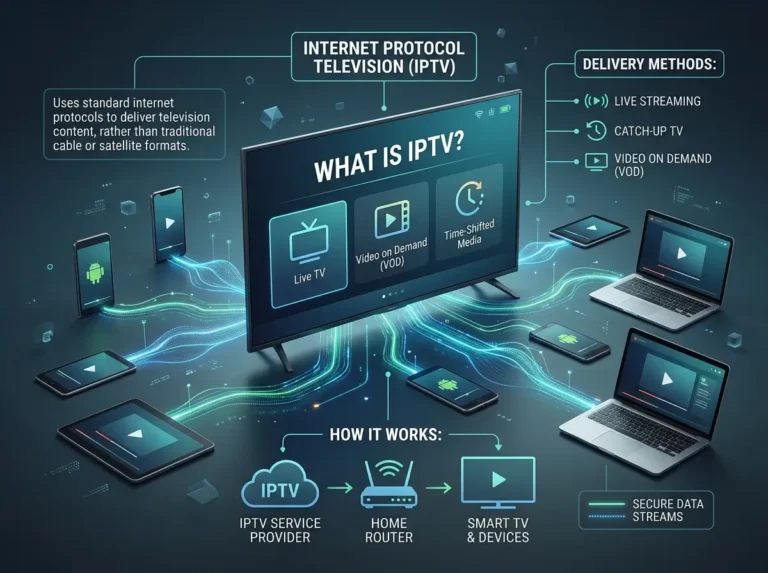
An IPTV smart-player is a software application that serves as the interface between an IPTV subscription and the viewer’s screen. It takes the channel list, EPG data, video on demand library, and catch-up content provided by a subscription service and presents them in a structured, navigable format — handling stream decoding, playback, and user interaction in the process.
Without an IPTV smart-player, a subscription’s raw data — typically delivered as an M3U playlist URL or Xtream Codes API credentials — would be inaccessible to most viewers. The IPTV smart-player translates that data into the familiar experience of selecting a channel, browsing a programme guide, and watching content on any compatible screen.
An IPTV smart player does not provide content of its own. It is a neutral application that works with whichever subscription service the user connects to it. The quality of the content and streams experienced through an IPTV smart-player depends entirely on the provider behind the subscription — not the player itself.
This distinction matters for two reasons. First, it means that choosing a good IPTV smart-player and choosing a good subscription are separate decisions that both require attention. Second, it means the legality of what you watch through an IPTV smart-player is determined by your subscription provider — always use an IPTV smart-player with a service that holds appropriate content licences and operates in compliance with applicable broadcasting regulations.
Why the Right IPTV Smart Player Makes a Real Difference
Experienced IPTV subscribers understand that an IPTV smart player is not a commodity — the choice of application has measurable effects on everyday viewing quality.
Stream handling and buffer management. A well-built IPTV smart-player manages stream buffering intelligently, pre-loading enough data to absorb minor network fluctuations without interrupting playback. A poorly built one amplifies the same fluctuations into visible pauses and quality drops. On the same subscription and the same network, the right IPTV smart-player produces a noticeably more stable viewing experience.
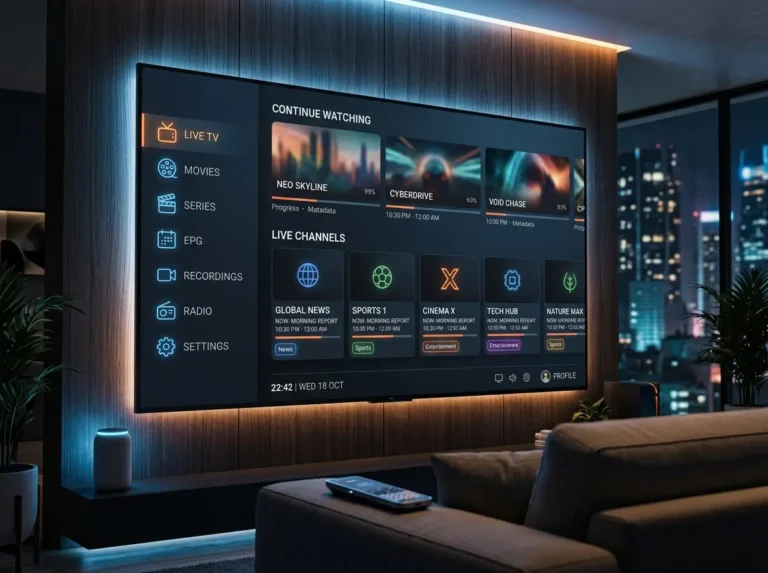
EPG rendering and accuracy. The programme guide experience varies significantly between IPTV smart player applications. Some render EPG data in a clean, responsive grid that is genuinely pleasant to use on a large screen. Others present the same data in a cluttered or sluggish interface that makes browsing frustrating. Since the EPG is how most viewers discover and navigate content, this difference matters every day.
VOD organisation. An IPTV smart-player with strong VOD handling separates films, series, and catch-up content into well-organised sections with cover art, descriptions, and series groupings. A weaker IPTV smart-player presents the same library as an undifferentiated, difficult-to-browse list.
Device optimisation. The best IPTV smart-player options are built for the specific platforms they run on — taking advantage of hardware acceleration, remote control navigation, and display capabilities of smart TVs, streaming sticks, and mobile devices.
Key Features to Look for in an IPTV Smart Player
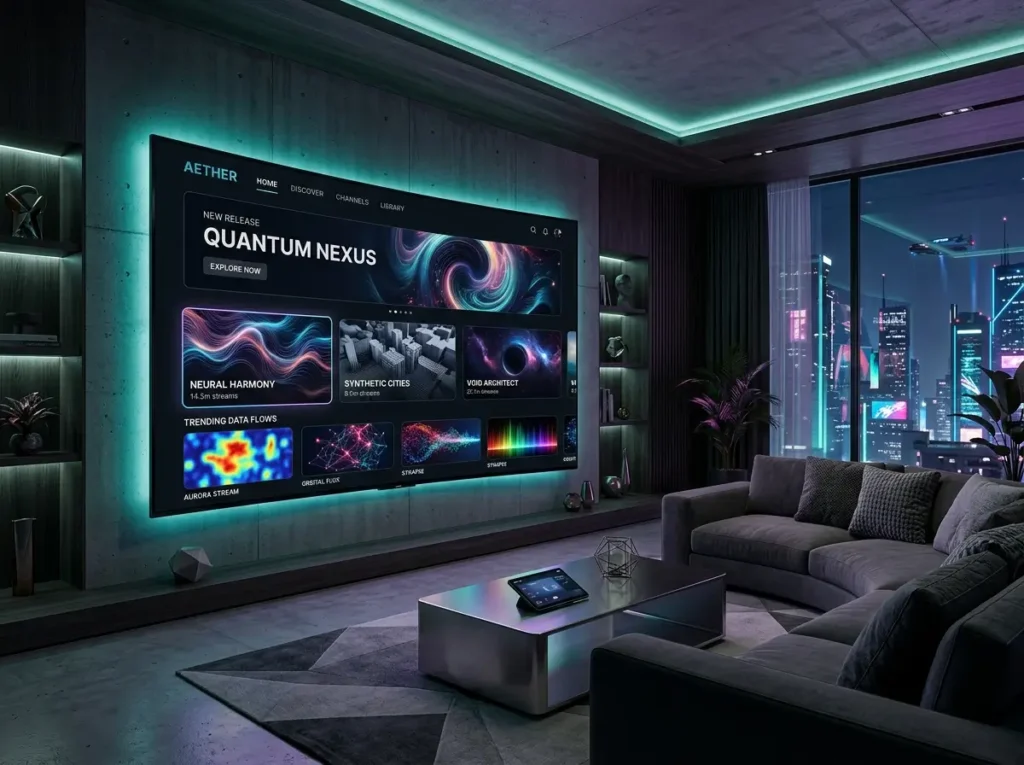
When evaluating IPTV smart player options, these are the features that define a genuinely capable application.
Xtream Codes and M3U support. Any IPTV smart player worth using supports both major subscription delivery formats. Xtream Codes integration unlocks the most complete experience — full channel lists, VOD metadata, series organisation, and EPG data in a single structured connection. M3U support ensures compatibility with the broadest range of providers.
EPG display quality. A strong IPTV smart-player renders programme guide data in a clear, responsive grid format. Look for applications that handle 7-day EPG data smoothly, update accurately, and make it easy to browse across channels and time slots without lag.
VOD and series library organisation. The best IPTV smart-player applications organise on-demand content into properly categorised sections with cover art, descriptions, and grouped series episodes. This makes browsing a large VOD library practical rather than tedious.
Multi-profile support. An IPTV smart-player that supports multiple subscription profiles allows users to manage more than one provider or switch between subscriptions without reinstalling the app — a practical feature for households evaluating services or running multiple accounts.
Hardware acceleration support. A quality IPTV smart-player uses hardware-accelerated decoding to reduce processor load and improve playback smoothness — particularly important for HD and 4K streams on lower-powered devices.
External player routing. For users who prefer a specific video player for playback, an IPTV smart-player that supports routing to external applications such as MX Player or VLC provides useful additional flexibility.
Regular updates and active development. An IPTV smart-player that receives regular updates signals an active development team responding to new device firmware, codec changes, and user feedback. Stale, infrequently updated apps tend to accumulate compatibility issues over time.
Top IPTV Smart Player Options and What Sets Them Apart
Several IPTV smart player applications have established strong reputations in the IPTV community. Here is an overview of the leading options and what distinguishes each.
IPTV Smarters Pro. One of the most widely used IPTV smart player applications across Android, Fire TV, iOS, and Windows. IPTV Smarters Pro combines a clean interface with full Xtream Codes and M3U support, strong EPG rendering, organised VOD browsing, parental controls, and external player routing. It is the default recommendation for most subscribers and represents the benchmark against which other IPTV smart player options are measured.
TiviMate. A premium IPTV smart player application available on Android TV and Fire TV, widely regarded for its polished EPG interface and smooth performance on large screens. TiviMate requires a one-time purchase for full feature access and is particularly popular among subscribers who prioritise programme guide quality and living room viewing.
GSE Smart IPTV. A versatile IPTV smart-player available across Android, iOS, and Apple TV. GSE Smart IPTV supports a wide range of stream formats and offers strong customisation options — a good choice for users with more specific configuration requirements.
Perfect Player. A long-established IPTV smart-player on Android with a straightforward interface and reliable performance. Perfect Player suits users who prefer a no-frills, highly stable player over a feature-rich but more complex application.
The right IPTV smart-player for your household depends on your device, your subscription format, and your personal priorities around EPG quality, VOD organisation, and interface polish.
How to Set Up an IPTV Smart Player with Your Subscription
Setting up an IPTV smart player with a subscription is a quick process once you have your provider credentials. Here is a general walkthrough applicable to most leading applications.
Step 1 — Download the IPTV smart player from your device’s official app store. Use the Google Play Store, Amazon Appstore, or Apple App Store depending on your device. Always install from an official, verified source.
Step 2 — Launch the app and navigate to the Add Subscription or Add Profile section. Most IPTV smart player applications prompt you to add a subscription on first launch.
Step 3 — Select your login method and enter credentials. If your provider supplied a server URL, username, and password, use the Xtream Codes login option. If your provider supplied an M3U URL, use the playlist URL option. Enter details exactly as provided by your subscription service.
Step 4 — Allow the IPTV smart-player to load your content. After connecting, the application will download your channel list, VOD library, and EPG data. Allow a few minutes for the initial load — EPG population in particular can take time on first setup.
Step 5 — Configure personal settings and build your favourites. Adjust playback settings, enable hardware acceleration if available, and mark your most-watched channels as favourites. A well-configured IPTV smart player setup significantly improves the day-to-day viewing experience from the first session.
Getting the Best Performance from Your IPTV Smart Player
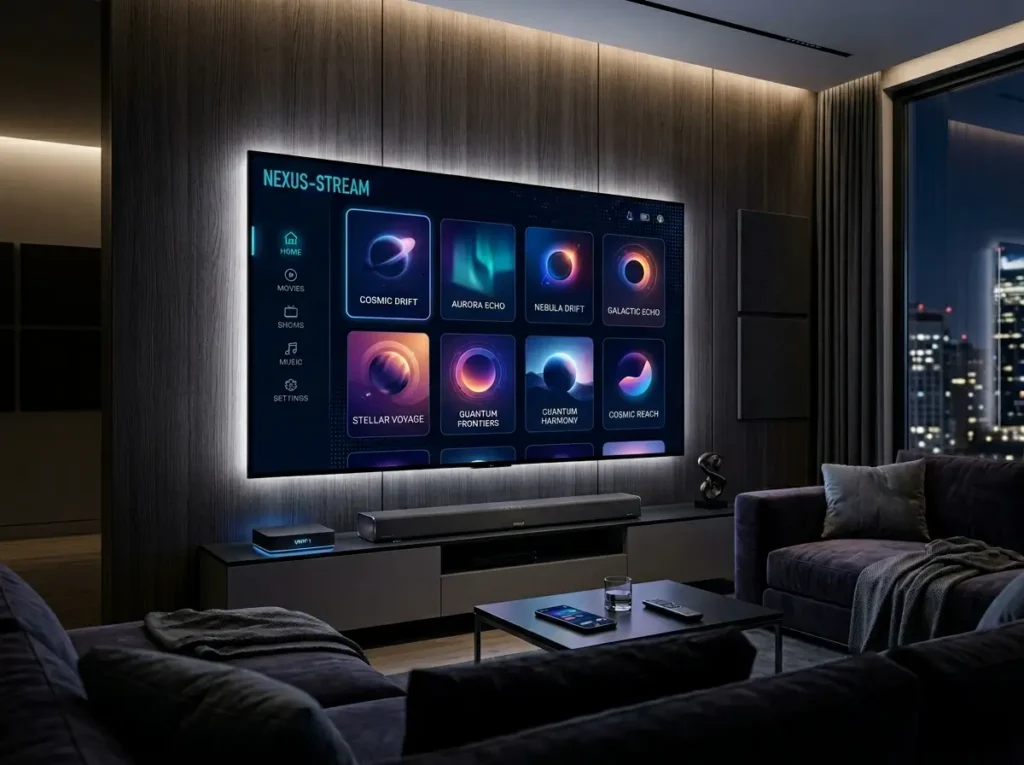
Once your IPTV smart player is installed and connected, these adjustments will help you get the most from it day to day.
Use a wired ethernet connection for living room devices. For smart TV boxes and Android TV devices, a wired connection consistently outperforms Wi-Fi for IPTV smart-player stream stability — especially for HD and 4K content during peak hours.
Enable hardware decoding. Most IPTV smart player applications include a hardware acceleration setting in their playback options. Enabling this reduces CPU load and improves smoothness, particularly on older or less powerful devices.
Schedule EPG refreshes for off-peak hours. Configure your IPTV smart-player to update EPG data automatically during overnight hours. This keeps your programme guide current without interrupting active viewing sessions.
Keep the app updated. Regular updates to your IPTV smart player bring performance improvements, new features, and compatibility fixes. Enable automatic updates where your device allows it.
Contact your provider for persistent stream issues. An IPTV smart-player cannot fix problems that originate with the subscription service. If specific channels consistently buffer or fail, contact your provider directly rather than adjusting player settings.
IPTV Smart Player — Frequently Asked Questions
What is an IPTV smart player? An IPTV smart player is a media player application that connects to an IPTV subscription via M3U URL or Xtream Codes credentials, presenting live channels, EPG data, VOD content, and catch-up programming in a user-friendly interface on compatible devices.
Does an IPTV smart player provide channels? No. An IPTV smart-player is a neutral application — all channels and content come from a separately purchased IPTV subscription. The player handles playback and navigation; the subscription provides the content.
Which is the best IPTV smart player? IPTV Smarters Pro is the most widely recommended IPTV smart player for general use across Android, Fire TV, iOS, and Windows. TiviMate is the preferred choice for Android TV users prioritising EPG quality. The best option depends on your specific device and priorities.
Why is my IPTV smart player buffering? Buffering is almost always caused by the subscription provider’s infrastructure or a slow internet connection — not the IPTV smart player application. Test your broadband speed and contact your provider if issues persist.
Is an IPTV smart player free? Most IPTV smart-player applications are free to download, though some — such as TiviMate — require a one-time purchase for full feature access. All require a separate paid IPTV subscription to access content.
Is using an IPTV smart player legal? An IPTV smart-player itself is a neutral application. Legality depends entirely on the subscription service connected to it. Always use an IPTV smart player with a provider that holds appropriate content licences and complies with applicable regulations.
Conclusion: Choose the Right IPTV Smart Player and Transform Your Viewing Experience
The right IPTV smart player turns a good subscription into a great viewing experience. From stream stability and EPG navigation to VOD organisation and device optimisation, the player you choose shapes every minute of your time watching IPTV content.
Take the time to select an IPTV smart player suited to your device and priorities, configure it properly, and pair it with a subscription that delivers reliable, licensed content. When those two elements are aligned, the result is a television experience that is genuinely difficult to improve on.
Download your chosen IPTV smart player from the official app store today and take full control of your IPTV viewing experience.