Table of Contents
Introduction
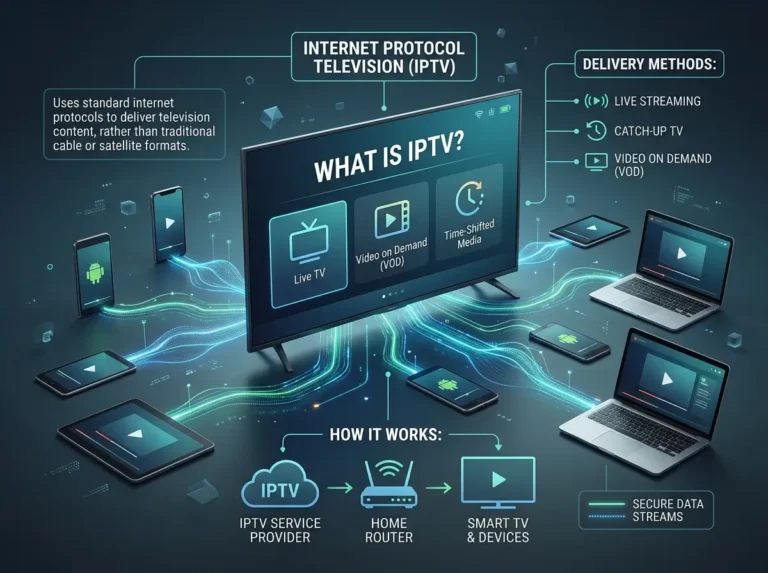
IPTV Smarters is one of the most recognised names in IPTV player applications — used by millions of subscribers worldwide to access live television, on-demand content, and catch-up programming through a single, streamlined interface. If you have recently signed up for an IPTV subscription and been directed to IPTV-Smarters, or if you are researching which player best suits your viewing setup, this guide covers everything you need.
Understanding what IPTV-Smarters actually does — and equally, what it does not do — is the essential starting point for any new user. The app is a media player, not a content provider. It connects to your IPTV subscription and presents your channels, programme guide, and on-demand library in a user-friendly format across a wide range of compatible devices.
This guide walks you through what IPTV-Smarters is, how it compares to its Pro variant, the features it offers, how to get it installed and configured, and how to make the most of it as your everyday IPTV player.
What Is IPTV Smarters?
IPTV Smarters is a media player application developed by Prisma CSL, designed specifically for use with IPTV subscription services. Rather than providing its own channels or content, IPTV-Smarters acts as the interface layer — connecting to your IPTV provider via M3U playlist URL or Xtream Codes API credentials and presenting your subscription’s live channels, electronic programme guide, video on demand library, and catch-up content in an organised, navigable format.
The IPTV-Smarters application has been widely adopted across the IPTV community because it reliably handles the core requirements of an IPTV viewer: stable live channel playback, accurate EPG display, organised VOD browsing, and support for multiple subscription profiles within a single app.
IPTV-Smarters is provider-agnostic — it works with any IPTV subscription that supplies compatible credentials, making it suitable for the vast majority of services on the market. This flexibility has made IPTV Smarters the default recommendation from manyIPTV providers when advising subscribers on how to access their service.
It is important to be clear about one key point: IPTV-Smarters itself is a neutral application. The legality and quality of your viewing experience depend entirely on the IPTV subscription service you connect it to. Always use IPTV-Smarters with a provider that holds appropriate content licences and operates in full compliance with applicable broadcasting regulations in your region.
IPTV Smarters vs IPTV Smarters Pro: What Is the Difference?
One of the most common questions from new users is how IPTV Smarters differs from IPTV-Smarters Pro. Both applications come from the same developer — Prisma CSL — and share the same core functionality. The distinction lies in the feature depth and platform availability of each version.
IPTV-Smarters is the original, widely available version of the application. It covers all the fundamentals that most subscribers need — live channel playback, EPG display, VOD access, and Xtream Codes or M3U connectivity. For the majority of IPTV users, IPTV-Smarters delivers everything required for a strong daily viewing experience.
IPTV-Smarters Pro is an enhanced version of the application with a more polished interface, additional features — including parental controls, external player support, and more granular series organisation — and broader platform availability. IPTV-Smarters Pro is generally recommended for users who want a more refined experience or need the additional functionality it provides.
Both versions of IPTV-Smarters are compatible with the same subscription formats and providers. If you are setting up for the first time and your device supports both, IPTV-Smarters Pro is generally the stronger choice. If IPTV-Smarters Pro is not available on your platform, the standard IPTV-Smarters application delivers a fully capable viewing experience.
Key Features of IPTV Smarters
IPTV Smarters has maintained its popularity in the IPTV community through a consistent set of well-executed core features.
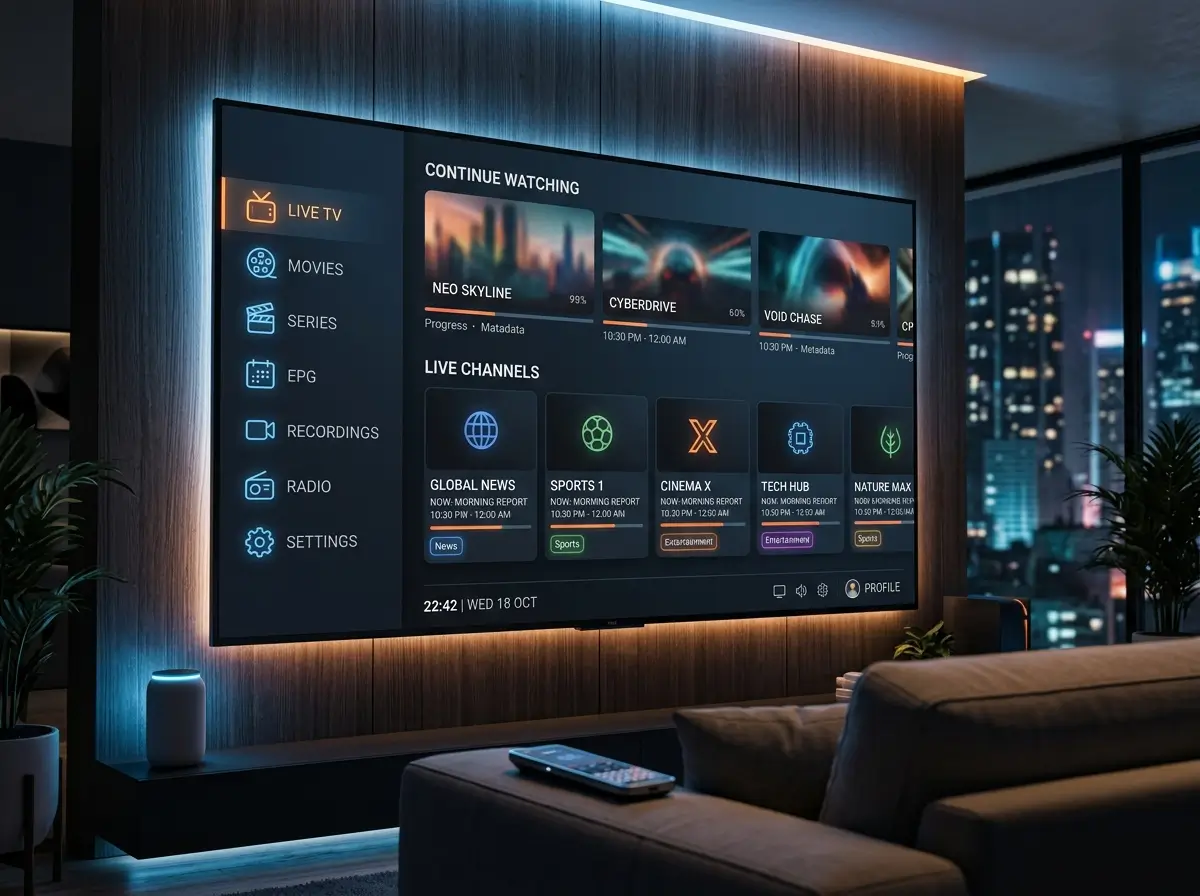
Live channel playback. The primary function of IPTV-Smarters is reliable live channel streaming. The app loads channel lists quickly, handles stream switching smoothly, and maintains stable playback across a wide range of stream formats and bitrates.
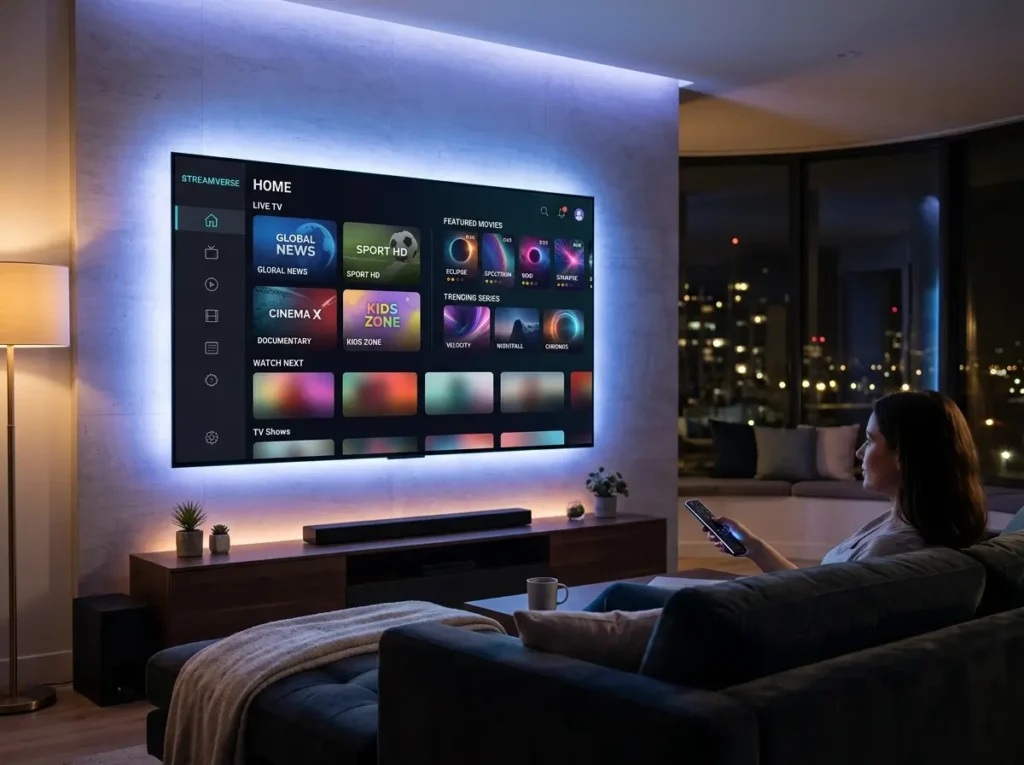
Electronic Programme Guide. IPTV-Smarters pulls EPG data from your subscription provider and displays it in a clear, grid-style programme guide. This allows users to see what is currently on, browse upcoming programming, and navigate between channels using familiar TV-guide-style controls.
Video on Demand. IPTV-Smarters organises your subscription’s on-demand library into clearly separated film and series sections. When provider metadata is properly supplied, VOD content displays with cover art, descriptions, and series groupings for easy browsing.
Multi-profile support. IPTV-Smarters allows users to add and switch between multiple subscription profiles within the same application. This is useful for households managing more than one subscription or users who want to trial different providers without reinstalling the app.
Catch-up TV. Where supported by the subscription provider, IPTV-Smarters enables access to recently broadcast content — allowing viewers to watch programmes from the previous 24 to 72 hours on demand.
Xtream Codes and M3U support. IPTV-Smarters supports both major subscription delivery formats, making it compatible with the overwhelming majority of IPTV providers on the market. Xtream Codes provides the most complete integration; M3U URL loading offers a straightforward alternative for providers using playlist-based delivery.
Favourites management. Users can mark channels and VOD content as favourites within IPTV-Smarters for quick access, reducing the time spent navigating large channel lists during regular viewing sessions.
Which Devices Support IPTV Smarters?
IPTV Smarters is available across the most widely used viewing platforms, making it accessible to the majority of IPTV subscribers regardless of their preferred device.
Android smartphones and tablets. IPTV-Smarters is available on the Google Play Store for Android mobile devices, covering a wide range of handsets and tablets running current and recent Android versions.
Android TV and Google TV devices. IPTV Smarters is compatible with Android TV boxes and Google TV devices, available through the Google Play Store. This covers a broad range of dedicated streaming boxes and smart TVs running Android TV natively.
Amazon Fire TV and Fire Stick. IPTV-Smarters is available through the Amazon Appstore for Fire TV devices and Fire Stick models — one of the most popular hardware choices among IPTV subscribers.
iOS and iPadOS. iPhone and iPad users can access IPTV-Smarters through the Apple App Store. Regional availability may vary — check your local store if the app does not appear in search results.
Windows PC. IPTV-Smarters is available for Windows desktop and laptop users, providing the same core experience on a larger screen with keyboard and mouse navigation.
Device availability for specific smart TV platforms such as Samsung Tizen and LG webOS varies. Check current app store availability for your specific television model before purchasing a subscription intended for smart TV viewing through IPTV-Smarters.
How to Download and Set Up IPTV Smarters
Getting IPTV Smarters installed and connected to your subscription is a quick process on most supported platforms.
Step 1 — Download IPTV Smarters from your device’s official app store. Search for IPTV-Smarters in the Google Play Store, Amazon Appstore, or Apple App Store depending on your device. Always download from the official store to ensure you are installing a legitimate, unmodified version of the application.
Step 2 — Launch the app and select Add User. On first launch, IPTV-Smarters will prompt you to add a subscription profile. Select the login method that matches your provider’s credential format.
Step 3 — Enter your subscription credentials.
- If your provider supplied a server URL, username, and password, select the Xtream Codes login option and enter those details exactly as provided.
- If your provider supplied an M3U URL, select the M3U playlist option and paste the URL into the relevant field.
Step 4 — Allow IPTV Smarters to load your content. After entering credentials, IPTV-Smarters will connect to your provider’s servers and load your channel list, VOD library, and EPG data. Allow a few minutes for the initial load, particularly for EPG population on first setup.
Step 5 — Explore your content. Once loaded, your live channels, on-demand library, and programme guide are all accessible from the IPTV Smarters home screen. Build your favourites list and configure any personal settings to suit your viewing preferences.
Only use IPTV Smarters with subscription providers that hold appropriate content licences. Download the application exclusively from official, verified sources.
Tips for Getting the Best from IPTV Smarters
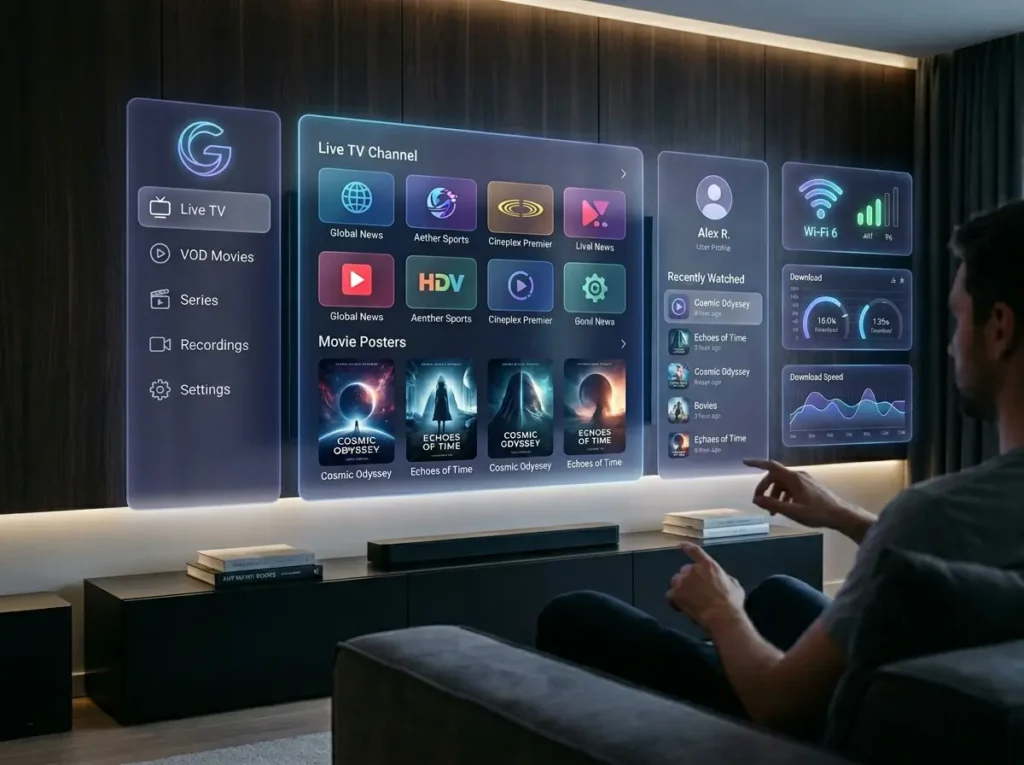
A few straightforward adjustments can significantly improve the day-to-day IPTV Smarters experience.
Use a wired connection for living room devices. For Android TV boxes and similar hardware, a wired ethernet connection consistently delivers better IPTV Smarters stream stability than Wi-Fi — particularly for HD and 4K content during peak hours.
Schedule EPG updates overnight. IPTV-Smarters allows EPG data to refresh automatically. Setting overnight updates keeps your programme guide current without interrupting active viewing sessions.
Build your favourites list early. With potentially hundreds of channels available, organising your most-watched content into a favourites list within IPTV-Smarters dramatically simplifies everyday navigation.
Keep IPTV Smarters updated. Regular app updates bring performance improvements and compatibility fixes. Enable automatic updates where possible to ensure you are always running the most stable version of IPTV Smarters.
Contact your provider for persistent stream issues. IPTV-Smarters is a player — it cannot resolve problems that originate with your subscription service. If specific channels consistently buffer or fail to load, contact your provider directly rather than adjusting app settings.
Try external player routing if playback is inconsistent. On some devices, routing streams from IPTV Smarters to an external player such as MX Player or VLC can resolve playback issues related to codec handling. This option is available in the IPTV-Smarters settings menu.
IPTV Smarters — Frequently Asked Questions
What is IPTV Smarters? IPTV-Smarters is a media player application developed by Prisma CSL. It connects to an IPTV subscription via M3U URL or Xtream Codes credentials and presents live channels, VOD content, catch-up TV, and EPG data in a unified interface across multiple devices.
Is IPTV Smarters free? IPTV-Smarters is available as a free download on most platforms. A separate paid IPTV subscription is required to use it — the application itself provides no channels or content.
What is the difference between IPTV Smarters and IPTV Smarters Pro? Both are developed by Prisma CSL and share the same core functionality. IPTV-Smarters Pro offers a more polished interface, additional features including parental controls and external player support, and broader platform availability. For most users, IPTV-Smarters Pro is the recommended choice where available.
Why is IPTV Smarters buffering? Buffering in IPTV-Smarters is almost always caused by the subscription provider’s server infrastructure or a slow internet connection — not the app itself. Check your broadband speed and contact your provider if the issue persists.
Can I use IPTV Smarters with any IPTV provider? IPTV-Smarters works with any provider that supplies M3U playlist URLs or Xtream Codes API credentials — the formats used by the vast majority of IPTV services.
Is IPTV Smarters safe to download? IPTV-Smarters is a legitimate application developed by Prisma CSL. Always download it from official app stores or the developer’s verified website. Third-party downloads carry security risks and may contain modified versions of the application.
Conclusion: Start Using IPTV Smarters with the Right Subscription Today
IPTV Smarters is a reliable, widely trusted IPTV player that gives subscribers a clean, fully featured interface for accessing their subscription across virtually any device. The setup is quick, the navigation is intuitive, and when paired with a quality subscription service, the viewing experience is genuinely impressive.
The key to getting the most from IPTV Smarters is the subscription behind it. Choose a provider that supplies full Xtream Codes credentials, comprehensive EPG data, and a stable server infrastructure — and IPTV Smarters will deliver everything it is capable of.
Download IPTV Smarters from your device’s official app store today and connect a subscription worth watching.